CRT gaming on a budget is not just possible in 2026 – it is one of the best entry points in the entire gaming hobby, and this complete guide to CRT gaming on a budget proves you do not need to spend a fortune to get started.
The community rule holds: any CRT is better than no CRT. And in 2026 there are still plenty of excellent CRTs available for free or nearly free if you know where to look.
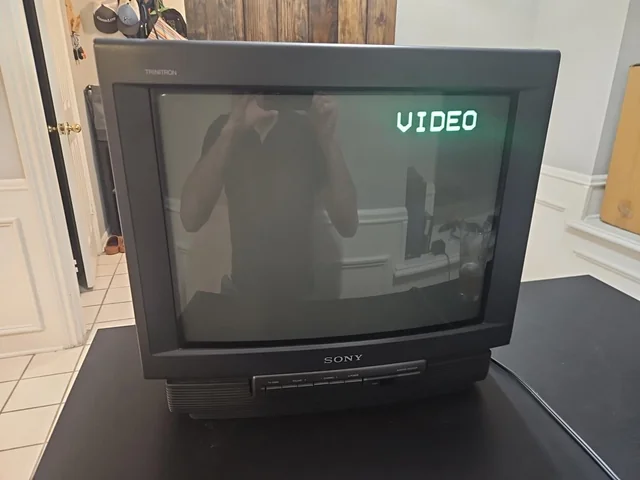
Why CRT Gaming on a Budget Still Makes Sense in 2026
CRT gaming on a budget makes sense in 2026 for one simple reason – the displays could be free and the experience is authentic.
The retro gaming hobby has a reputation for being expensive – RGB mods, PVMs, RetroTINK upscalers, and rare console variants all cost real money. But the foundation of the hobby – a real CRT display – is one of the few things that actually gets cheaper over time rather than more expensive.
Consumer CRTs are still being given away for free on Facebook Marketplace every single day. People clear out garages, move house, and downsize – and the CRT that delivered thousands of hours of gaming joy to a family in the 1990s ends up on a kerb or a charity shop shelf. Your job is simply to be the person who picks it up.
The result is a setup that costs less than a single new game release and delivers an authentic retro gaming experience that a $3000 OLED with a $325 upscaler can only approximate.
What You Actually Need for a Budget CRT Gaming Setup
The beauty of CRT gaming on a budget is that the barrier to entry is lower than almost any other gaming hobby in 2026.
Strip it back to the absolute essentials and a CRT gaming setup requires three things:
- A working CRT TV – any size, any brand, as long as it powers on and displays a picture
- A retro console – whatever you already own or can find cheaply
- A cable to connect them – the stock cable that came with the console works fine to start
That is genuinely it for a starting setup. Everything else – better cables, specific TV models, RGB mods, upscalers – comes later if and when you want to go deeper. The most important step is simply getting on a real CRT and starting to play.
Budget CRT Gaming Setup – Complete Cost Breakdown
| Item | Budget option | Typical cost | Where to find |
|---|---|---|---|
| CRT TV | Any working 20-27 inch set | Free – $30 | Facebook Marketplace, thrift stores |
| Console | SNES, PS1, Mega Drive, N64 | $20 – $60 | eBay, Marketplace, game shops |
| Cable upgrade | S-Video cable | $10 – $15 | eBay, Amazon |
| Games | Common titles, compilation carts | $5 – $30 each | eBay, local game shops, Marketplace |
| Total | Complete starter setup | $35 – $125 |
Finding a Free or Cheap CRT TV in 2026
Finding a free or cheap CRT is the most important first step in CRT gaming on a budget and easier than most beginners expect.
The best CRT for budget gaming is the one you can get for free today rather than the perfect Trinitron you might find in six months. Here is exactly where to look:
Facebook Marketplace
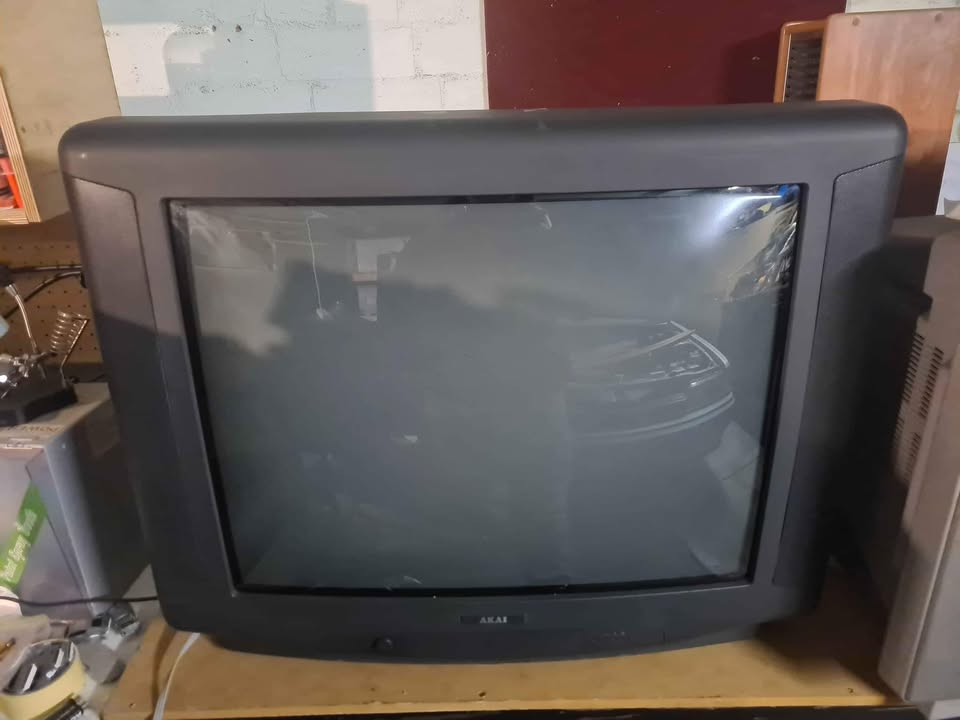
Search “CRT TV”, “old TV”, “retro TV”, or “Sony Trinitron” in your local area. Set a radius of 20-30 miles and check daily – new listings appear constantly. Filter by price to show free items first. Be ready to collect quickly as good free CRTs get claimed fast.
A few tips for Marketplace hunting:
- Message sellers promptly – “Is this still available? I can collect today” beats a longer message every time
- Ask for a photo of the screen powered on before driving to collect
- Search for “moving sale” and “house clearance” listings – these often include CRTs
- Check listings in wealthier suburbs – better maintained sets more likely
Thrift Stores and Charity Shops
CRTs still turn up in thrift stores regularly, particularly in areas with older demographics. Prices are typically $5-$20. The selection is unpredictable but checking weekly pays off over time. Bring a phone charger or ask staff to power the set on before buying.
Kerb alerts and local community groups
Join your local Facebook community group and search for CRT. Many people post “free to collect” items that never make it to Marketplace. Nextdoor is another useful source in some regions. You can also post “wanted: free CRT TV” in these groups – most people are happy to have someone collect rather than arrange disposal.
Friends and family
Ask around. Almost everyone over 40 either has a CRT in their garage or knows someone who does. The 1990s and early 2000s produced an enormous number of these sets and most of them are still sitting in storage somewhere waiting to be asked about.
Personally my first CRT when I got started with retro gaming I actually got for free from my gran!
What to Look for in a Budget CRT
When you find a potential CRT, check these things before committing to collect it:
- Ask for a photo of the screen powered on – this single request eliminates most problem sets before you make the trip
- Look for S-Video input – a small round multi-pin port on the back. Not essential but worth having for a free upgrade path later
- Check screen size – 20-27 inches is ideal for most setups. Larger sets are harder to transport safely
- Sony Trinitron is the target brand – look for the Trinitron name on the bezel. Not essential but worth prioritising if you have options
- Avoid sets with obvious burn-in – a ghost image permanently visible on the screen. Ask the seller to display a plain grey or white image if possible
Do not let the perfect be the enemy of the good. A free working Panasonic with only Composite input is infinitely better than waiting six months for a perfect Trinitron. Start playing and upgrade later.
Budget Console Options for CRT Gaming
If you do not already own a retro console, here are the best value options for CRT gaming in 2026:
Best Budget Console: PS1 ($20-$40)
The PS1 is the best value retro console for CRT gaming in 2026. It is cheap, widely available, outputs RGB natively without any modification, has one of the greatest game libraries in gaming history, and looks absolutely stunning on a good CRT. Common PS1 titles are still affordable and the console itself regularly appears on Marketplace for $20-$30.
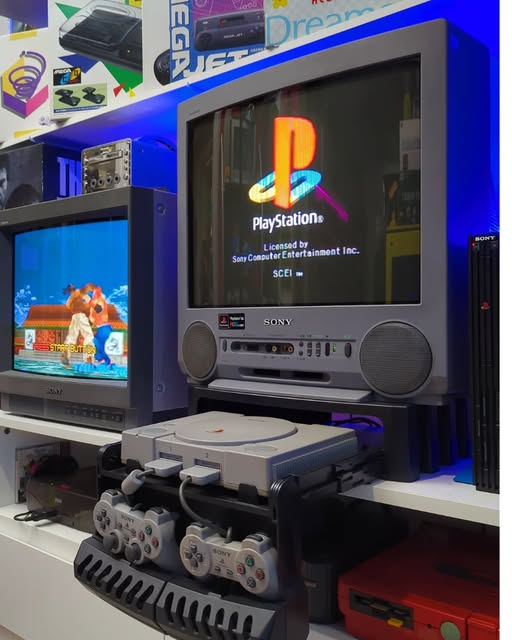
Runner Up: Mega Drive / Genesis ($25-$50)
The Mega Drive outputs RGB natively, has a fantastic library of action and sports games, and is widely available at reasonable prices. The large library of common titles keeps game costs down and the console is reliable and well built.
Also Great: SNES ($30-$60)
The SNES has one of the greatest game libraries ever made and outputs S-Video and RGB natively. Prices have risen slightly compared to PS1 and Mega Drive but common titles remain affordable and the console is extremely reliable.
Avoid for Budget Setups: N64
The N64 does not output RGB natively which limits your cable upgrade path without a mod. Console prices have also risen significantly. It is a great console but not the best starting point for a budget CRT setup – start with PS1 or Mega Drive and come back to N64 later.
The Budget Cable Upgrade Path
One of the best things about CRT gaming on a budget is that the cable upgrade path costs almost nothing compared to modern display alternatives.
Start with whatever cable you have. Then upgrade in this order as budget allows:
- Stock Composite cable – use this first. It works and gets you playing immediately. Free.
- S-Video cable ($10-$15) – the single best budget upgrade. Dramatically sharper than Composite on any CRT with an S-Video port. Buy this before anything else.
- RGB SCART cable ($20-$40) – if your CRT has a SCART socket (common on European sets) this gives you the best possible image from PS1, SNES, or Mega Drive. Native RGB with no console modification required.
For a full breakdown of every cable option read our complete CRT cables guide.
Budget CRT Gaming – Common Mistakes to Avoid
These are the mistakes that cost beginners the most time and money when starting out with CRT gaming on a budget:
- Waiting for the perfect CRT – the best CRT is the one you can get today. Start playing on whatever you find and upgrade later when you know what you actually want.
- Overpaying on eBay – consumer CRTs should cost almost nothing. If you are paying more than $80 for a standard consumer set you are overpaying. Check Marketplace first.
- Buying a CRT without checking the inputs – not all CRTs have S-Video. A quick check before collecting saves frustration later.
- Starting with an N64 – the N64 is a great console but its lack of native RGB makes it a frustrating starting point. Begin with PS1 or SNES and return to N64 once you have the basics sorted.
- Spending money on upscalers before you have a CRT – a RetroTINK 5X Pro costs $325. A good CRT costs $0-$30. Get the CRT first, play on it for a few months, then decide if you want to invest in upscaling technology for a modern display.
- Shipping a CRT – CRTs are heavy, fragile, and poorly suited to shipping. Damage rates are high even with careful packaging. Buy locally wherever possible.
What a $80 Budget CRT Gaming Setup Actually Looks Like
To make CRT gaming on a budget completely concrete, here is a real world example of what a full starter setup actually costs:
- Free CRT TV from Facebook Marketplace – $0
- PS1 with stock Composite cable from a local seller – $40
- S-Video cable from eBay – $12
- Three PS1 games (Crash Bandicoot, Spyro, Tekken 3) from a charity shop – $20
- Total: $72
That $72 setup delivers an authentic retro gaming experience that a modern display cannot replicate regardless of how much you spend on it. The S-Video cable alone transforms the image quality compared to Composite. And the PS1 library is so deep that $80 is just the beginning of a hobby that will keep you busy for years.
Frequently Asked Questions – CRT Gaming on a Budget
How much does it cost to start CRT gaming?
You can start CRT gaming for as little as $0 if you already own a retro console – a free CRT from Facebook Marketplace is all you need. A complete starter setup including a cheap console, stock cable, and a free CRT can cost under $60. Adding an S-Video cable upgrade brings the total to around $60-$80 for a genuinely excellent budget CRT gaming setup.
What is the best free CRT for retro gaming?
Any free working CRT with a screen size of 20 inches or larger is an excellent starting point. Sony Trinitrons are the community favourite but any working set from Panasonic, JVC, or Toshiba will deliver a great retro gaming experience. The best free CRT is the one you can collect today – brand and model are secondary to simply getting started.
Is CRT gaming worth it on a tight budget?
Yes – CRT gaming is one of the best value propositions in the entire gaming hobby precisely because the displays are so cheap. The authenticity and gaming experience a free CRT delivers cannot be matched by any amount of modern display technology. For retro gaming specifically, spending $0-$50 on a CRT setup outperforms spending $1500+ on an OLED with an upscaler in terms of authentic visual experience.
Can I use any CRT for retro gaming?
Yes – any working CRT will play retro games. The differences between a basic no-name CRT and a sought-after Sony Trinitron are real but not dramatic at the entry level. A free working CRT of any brand connected via Composite will immediately show you why the retro gaming community values these displays – the scanlines, the zero input lag, and the authentic pixel art rendering are present on every CRT regardless of brand or model.
What retro console should I start with for budget CRT gaming?
The PS1 is the best starting point for budget CRT gaming in 2026. It is cheap to buy, outputs RGB natively without any modification, has one of the greatest game libraries in gaming history, and common titles remain affordable. The SNES and Mega Drive are excellent alternatives with equally strong libraries and native RGB output. Avoid starting with the N64 on a tight budget due to its lack of native RGB output.
CRT gaming on a budget in 2026 is not a compromise – it is genuinely the best way to experience retro games authentically without spending serious money.
Ready to take your budget CRT setup to the next level? Read our guide to the best CRT TVs for retro gaming when you are ready to upgrade, and our complete CRT buying guide for everything you need to know about finding and inspecting a CRT before you buy.
