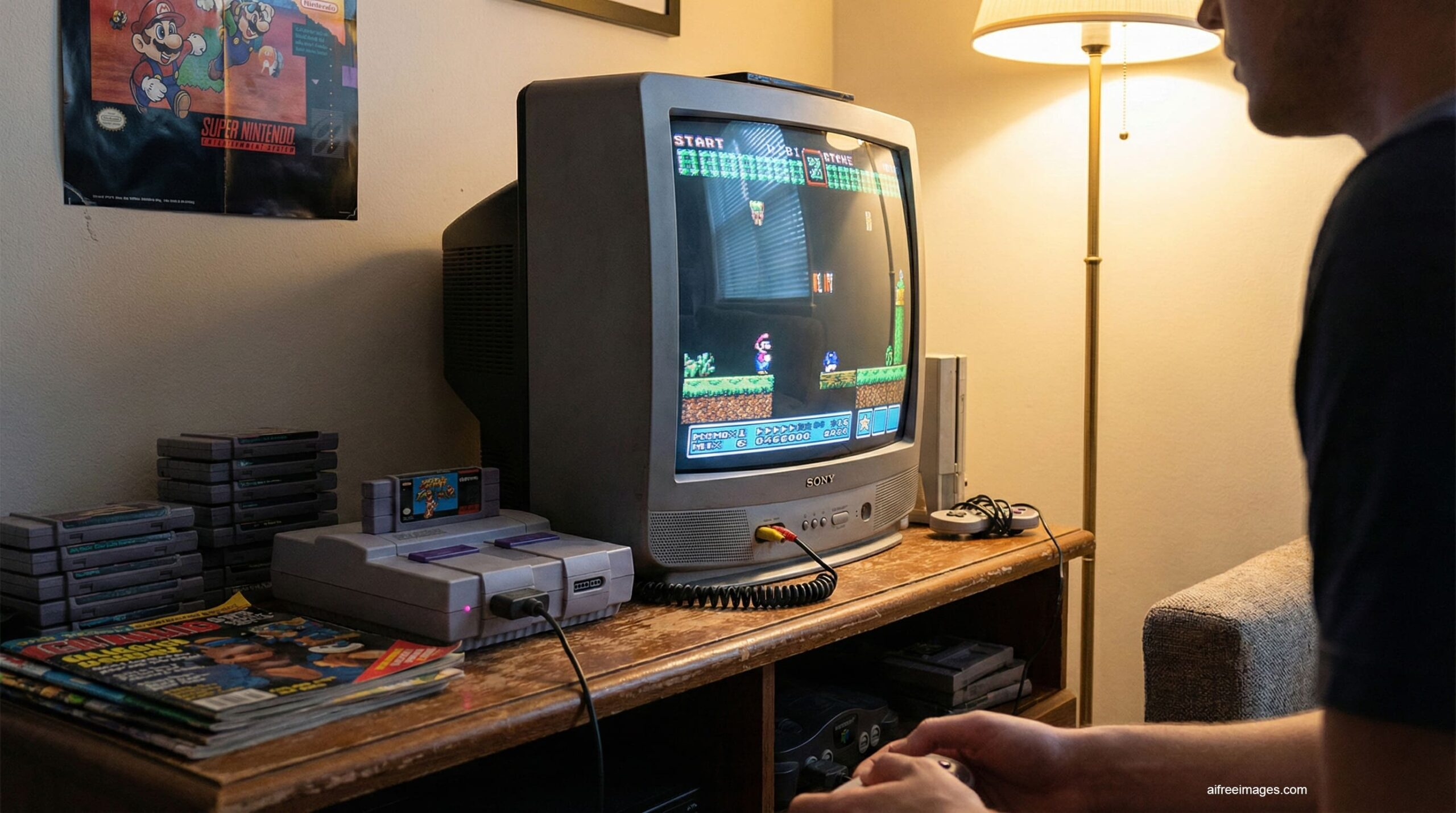
The best CRT for SNES is one that lets the Super Nintendo display exactly the way Nintendo intended – and in 2026, finding the best CRT for SNES gaming is more rewarding than ever. The good news is that the SNES is one of the easiest retro consoles to get looking absolutely stunning on a CRT, with multiple connection options ranging from basic Composite all the way up to RGB SCART.
This guide covers the best CRT types and specific models for SNES gaming, which cables to use, and exactly what to look for when hunting one down in 2026.
Why the SNES Looks So Good on a CRT
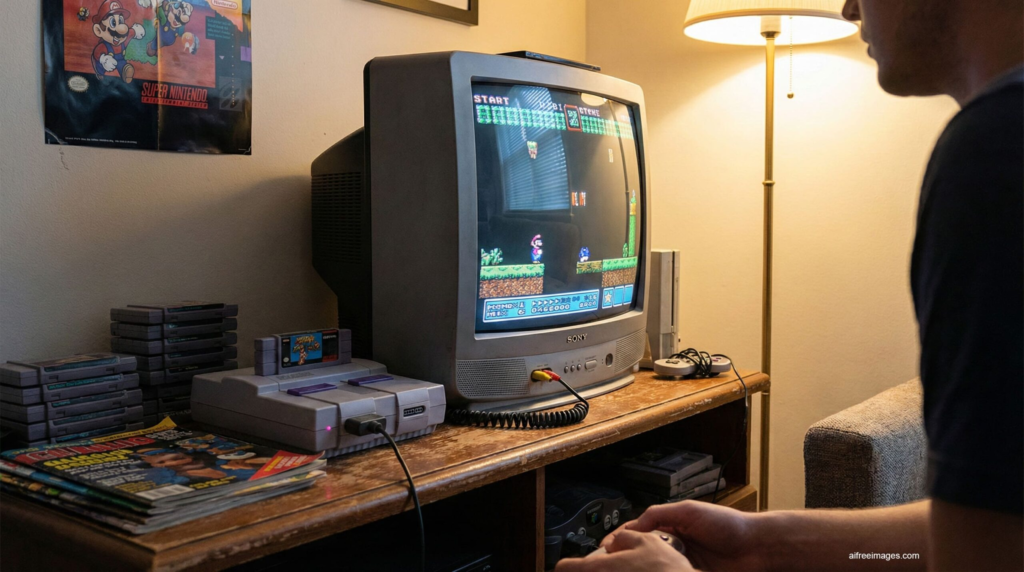
The Super Nintendo was designed in an era when every TV in every home was a CRT. Nintendo’s artists drew sprites, backgrounds, and special effects with CRT scanlines in mind — the soft blending between pixels, the phosphor glow, and the natural motion blur were all part of how the games were meant to look.
On a modern LCD or OLED, SNES games can appear harsh and pixelated at native resolution. On a CRT, that same pixel art looks smooth, vibrant, and alive — exactly as it did in 1992. Games like Super Metroid, Donkey Kong Country, and Chrono Trigger are particular standouts on a proper CRT setup.
What to Look for in the Best CRT for SNES
Not all CRTs are equal for SNES gaming. These are the key factors to prioritise:
- S-Video or RGB input — the SNES outputs a clean S-Video signal natively, which is a significant step up from Composite. RGB via SCART is the best possible signal but requires a cable and a compatible TV.
- Screen size 20–27 inches — the sweet spot for SNES gaming. Smaller than 20 inches and you lose impact; larger than 27 inches and 240p content starts to look soft.
- Good geometry and convergence — check that the screen has no major warping at the edges and that colours align properly before buying.
- Sony Trinitron tube preferred — Trinitron aperture grille tubes are sharper and brighter than standard shadow mask tubes, making them the community’s preferred choice for SNES gaming.
Best CRT for SNES — Recommended Models
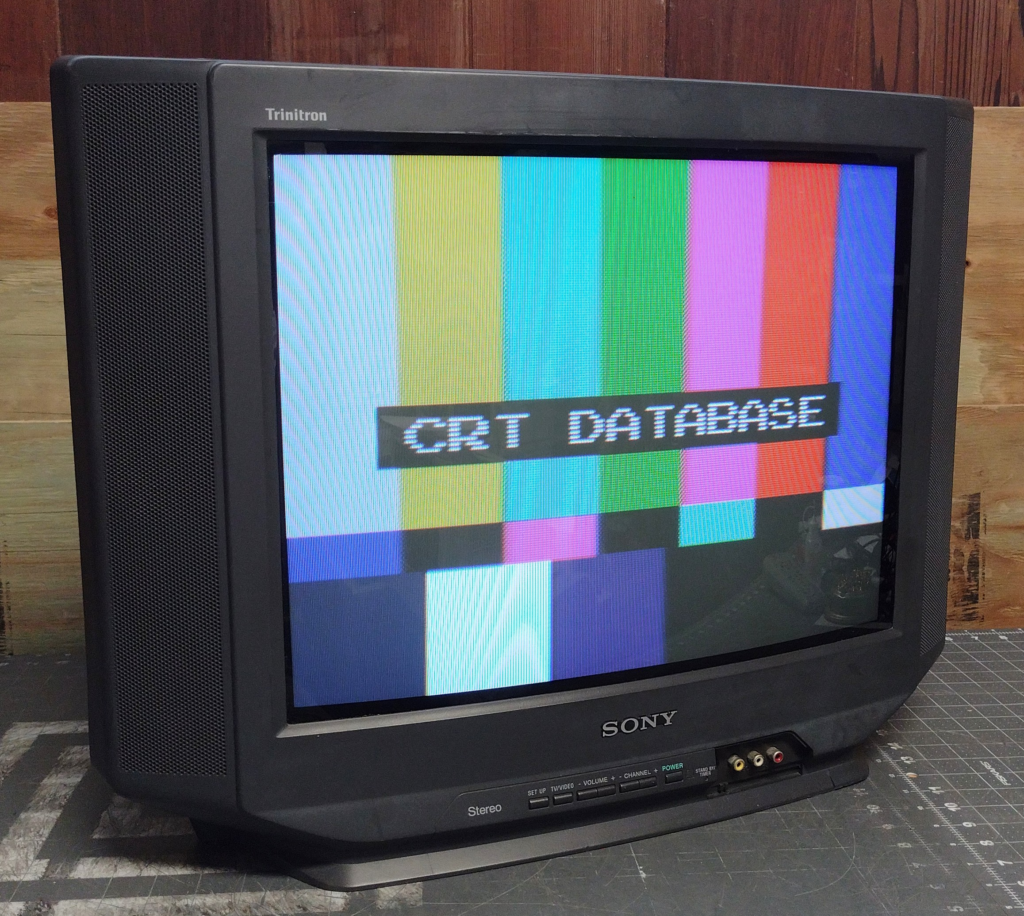
Best Consumer CRT for SNES: Sony Trinitron KV-27FS120
The KV-27FS120 is the most recommended consumer CRT in the retro community and for good reason. The 27-inch Trinitron tube is sharp, bright, and handles the SNES’s colour palette beautifully. It accepts S-Video natively which gives you an excellent picture straight out of the box, and it’s still findable on Facebook Marketplace for $20–$60 in most regions.
If the 27-inch is too large for your setup, the Sony Trinitron KV-20M42 is the 20-inch alternative — same excellent tube, easier to move, and often available for under $30.
Best Budget CRT for SNES: Any Working 20″ Trinitron
If specific models are hard to find in your area, any working 20-inch Sony Trinitron with S-Video input is an excellent starting point. The Trinitron name covers many models across many years — all share the same aperture grille tube technology and will make your SNES look fantastic. Don’t overthink it; grab the best condition Trinitron you can find locally and start playing.
Best PVM for SNES: Sony PVM-20M4U
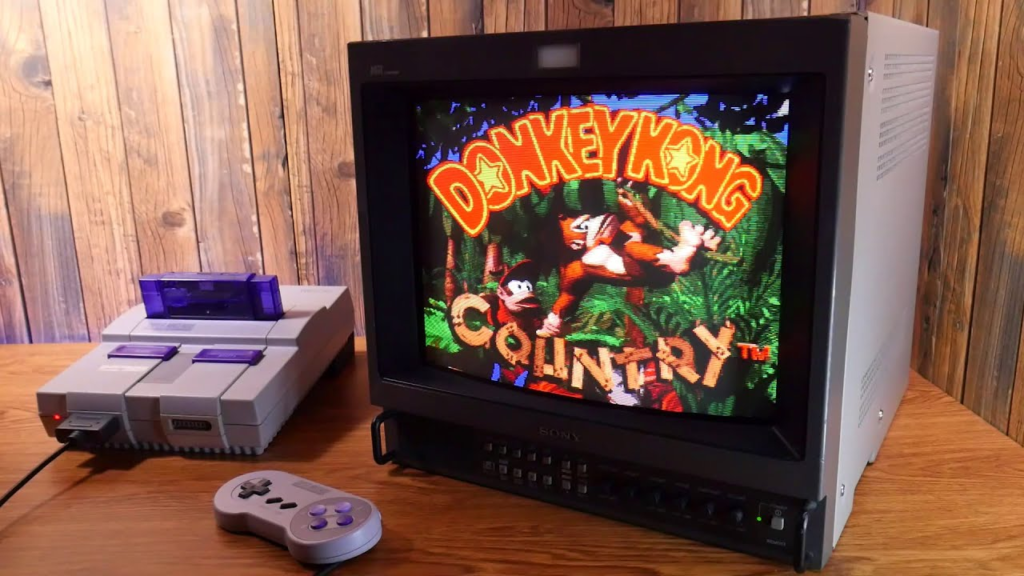
If you want to see what the SNES is truly capable of, a Sony PVM fed via RGB SCART is the answer. The PVM-20M4U is the most sought-after accessible PVM in the community — its 20-inch Trinitron tube, tight convergence, and RGB BNC inputs produce a noticeably sharper and more accurate image than any consumer CRT.
The SNES outputs a beautiful RGB signal natively (no mod required), so pairing it with a PVM via a quality RGB SCART to BNC cable is one of the best value upgrades in retro gaming. Expect to pay $150–$300 for a good PVM-20M4U depending on condition.
Best Compact CRT for SNES: Sony PVM-14M4U
For desk setups or smaller rooms, the 14-inch PVM-14M4U delivers the same exceptional image quality as its larger sibling in a much more manageable size. Prices typically sit at $80–$150 and it’s one of the more findable PVMs in 2026. Paired with the SNES via RGB, it’s a stunning compact setup.
Best Cables for SNES on a CRT
| Cable type | Signal quality | SNES compatible | Recommended |
|---|---|---|---|
| RF | Very poor | Yes | Avoid |
| Composite (RCA) | Poor | Yes | Last resort |
| S-Video | Good | Yes — native | Great starting point |
| RGB SCART | Excellent | Yes — native | Best for consumer CRTs in Europe |
| RGB via BNC | Excellent | Yes — with adapter | Best for PVMs |
The SNES is one of the few retro consoles that outputs RGB natively without any modification — this makes it particularly rewarding to pair with a quality CRT. Start with S-Video if you’re new to CRT gaming and upgrade to RGB when you’re ready to take it further.
Where to Find the Best CRT for SNES Gaming in 2026
Knowing which model you want is half the battle — here’s where to actually find the best CRT for SNES gaming in 2026.
- Facebook Marketplace — best source for consumer Trinitrons. Search “CRT TV”, “Sony Trinitron”, or “old TV” in your local area. Many are listed for free or under $20.
- eBay — better for PVMs. Check sold listings first to calibrate prices before bidding.
- Thrift stores — still worth checking regularly. Trinitrons turn up for $5–$20 more often than you’d expect.
- r/crtgaming — active buy/sell/trade community with knowledgeable sellers who describe condition accurately.
Frequently Asked Questions — Best CRT for SNES
Does the SNES need a special cable for CRT gaming?
No special cable is required to get started — the SNES came with a Composite cable that will work on any CRT with RCA inputs. However, the SNES supports S-Video natively which gives a noticeably better picture, and RGB SCART for the sharpest possible image. Upgrading your cable is the single cheapest and most impactful improvement you can make to your SNES CRT setup.
Can I use a modern TV for SNES instead of a CRT?
Yes, but the experience is significantly different. Modern TVs introduce input lag, don’t support 240p natively, and display SNES pixel art in a way the developers never intended. A RetroTINK 5X can help bridge the gap considerably, but most players who experience a SNES on a proper CRT prefer it strongly. If you have the space for a CRT, it’s worth trying at least once.
What size CRT is best for SNES gaming?
20–27 inches is the sweet spot for SNES gaming at normal viewing distance. A 20-inch is ideal for desk setups; a 27-inch works well as a living room gaming TV. Anything over 32 inches can make 240p content look soft and less detailed.
Do I need to mod my SNES for CRT gaming?
No — the SNES outputs S-Video and RGB natively without any modification. This makes it one of the easiest and most rewarding consoles to set up on a CRT. The only mod worth considering down the line is the 1CHIP mod for certain SNES revisions that suffer from video noise, but this is optional and not necessary for a great CRT experience.
Is a PVM worth it for SNES gaming?
Yes, if you want the absolute best image quality. The SNES’s native RGB output paired with a Sony PVM via SCART or BNC is widely considered one of the best-looking retro gaming setups possible. That said, a good consumer Trinitron with S-Video is already excellent — the PVM upgrade is noticeable but the consumer CRT experience is far from a compromise.
Ready to build your full SNES CRT setup? Check out our complete CRT cables guide for everything you need to know about getting the best signal from your Super Nintendo.
