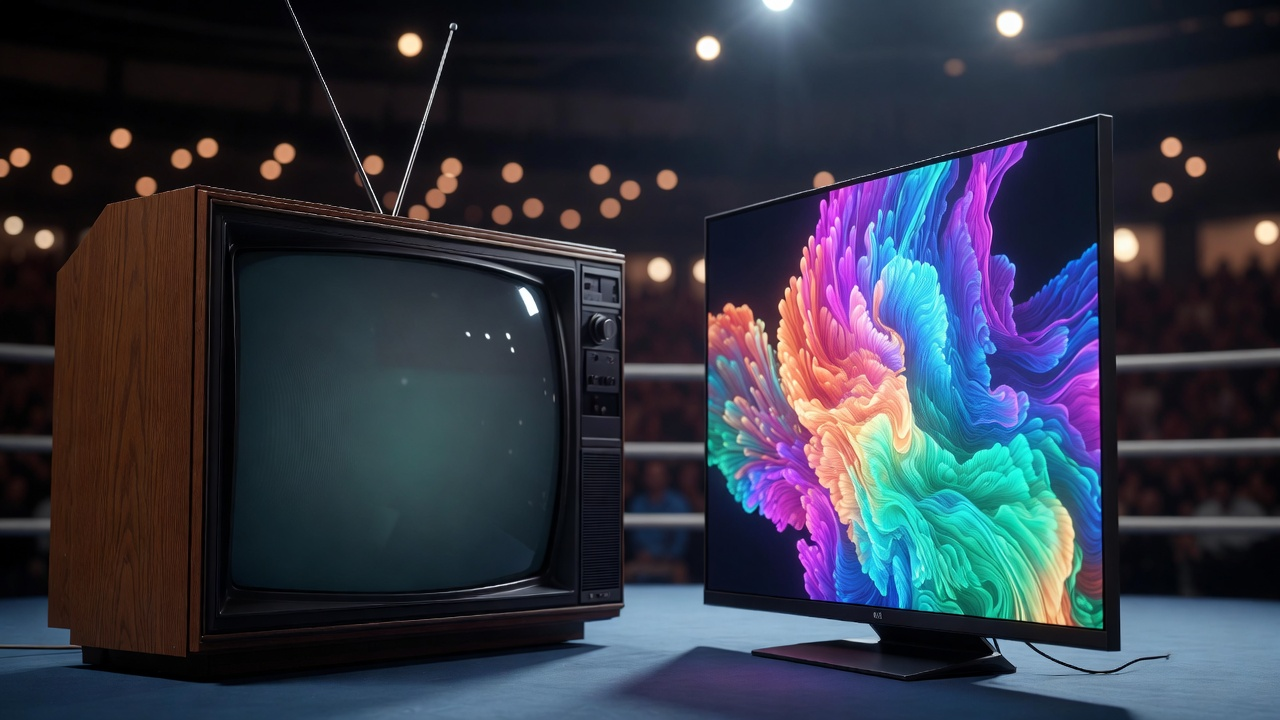
The CRT vs OLED retro gaming debate is one of the most relevant display discussions in 2026. OLED TVs have become genuinely affordable, the image quality is stunning, and millions of retro gamers are asking the same question – can my LG C4 or Samsung S95 actually replace a CRT for classic console gaming? After running both displays side by side across multiple consoles and game libraries, here is the honest answer.
Spoiler: it depends entirely on what you are playing and what you value most. But the answer is more nuanced than most comparisons admit.
CRT vs OLED Retro Gaming – The Key Differences
| CRT | OLED | |
|---|---|---|
| Input lag | Virtually zero | 1-2ms in Game Mode (excellent) |
| 240p support | Native | Requires upscaler |
| Scanlines | Real, analogue, organic | Shader approximation only |
| Black levels | Excellent – phosphor fade | Perfect – true pixel off |
| Brightness | Moderate – fades with age | Excellent – up to 1000+ nits |
| Pixel art rendering | Natural blending, scanline fill | Harsh at native, needs shader |
| Screen size | Typically 14-36 inches | 42-97 inches commonly available |
| Burn-in risk | Low with normal use | Real risk with static HUD elements |
| Setup complexity | High – cables, sourcing, weight | Simple – HDMI from upscaler |
| Cost | Free – $400 depending on type | $800 – $3000+ for quality panels |
| Availability | Second hand only, getting rarer | Widely available new |
| Modern game support | None – analogue only | Full support |
Where CRT Wins Over OLED for Retro Gaming
Authenticity and Pixel Art Rendering
In the CRT vs OLED retro gaming comparison, the CRT makes its strongest case in three specific areas that no amount of processing power has fully overcome.
This is where the CRT argument is strongest and most clear cut. Retro games were designed on CRTs, tested on CRTs, and released into a world where every TV in every home was a CRT. The pixel art in Super Mario World, Street Fighter II, and Castlevania Symphony of the Night was drawn with CRT scanlines and phosphor blending in mind – the gaps between pixels, the natural colour blending, the soft glow around bright elements are all part of the intended visual experience.
On an OLED at native resolution, that same pixel art looks harsh. Every pixel is a hard-edged square displayed with perfect sharpness on a fixed pixel grid. The artists never intended their work to be seen this way. CRT shaders on an OLED can close the gap significantly but side by side with a real CRT they remain clearly digital approximations. The organic variation in scanline intensity, the phosphor persistence, the natural bloom around bright pixels – these are analogue phenomena that no digital filter has fully replicated.
Native 240p Support
Most retro consoles output 240p – the SNES, Mega Drive, PS1, N64, and Saturn all use 240p as their primary resolution. A CRT displays this natively and perfectly. An OLED cannot display 240p at all without an upscaler – the signal needs to be converted to a resolution the panel can accept before it reaches the screen. This adds a device, adds cost, adds complexity, and introduces at least one additional processing step between your console and the display.
The RetroTINK 5X Pro handles this conversion excellently but it costs $325 on top of your OLED investment. The total cost of an OLED retro gaming setup done properly – TV plus upscaler plus cables – is significantly higher than a good consumer CRT or even a PVM.
Zero Input Lag
Modern OLEDs in Game Mode are genuinely excellent for input lag – typically 1-2ms which is imperceptible to most players. But a CRT has virtually zero input lag because the signal is displayed almost instantly with no processing whatsoever. For the most demanding timing-sensitive games – competitive Street Fighter, Super Meat Boy, precision platformers – the CRT remains the technically superior choice. For most retro gaming the difference is academic.
Cost at the Entry Level
A working consumer CRT can be found for free or under $30 on Facebook Marketplace. A quality OLED TV starts at $800 and a good one capable of doing retro gaming justice costs $1200-$2000. Add a RetroTINK 5X Pro at $325 and you are spending $1500-$2300 for an OLED retro gaming setup versus $30-$100 for a CRT setup that arguably looks more authentic. The cost argument for CRT is overwhelming at the entry level.
Where OLED Wins Over CRT for Retro Gaming
The CRT vs OLED retro gaming argument is not one sided though – OLED has genuine advantages that make a compelling case for certain setups and playing styles.
Black Levels and Contrast
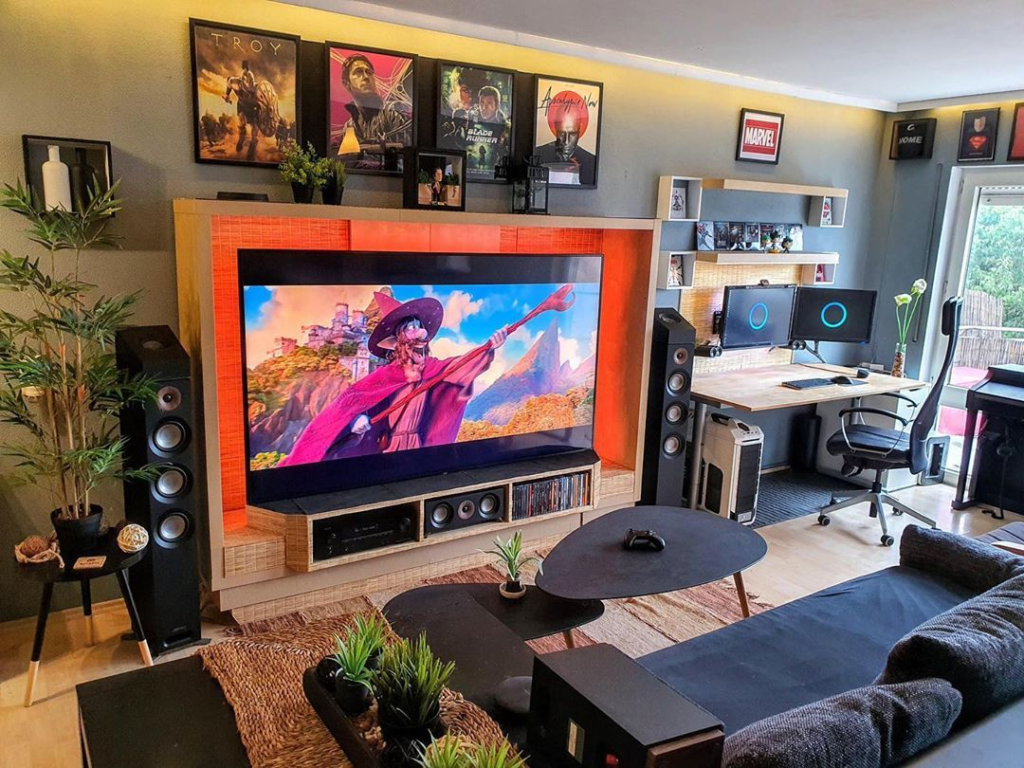
This is where OLED genuinely surpasses CRT. OLED achieves perfect black levels because pixels that are off produce no light at all. A CRT’s black level depends on the phosphor fading between refresh cycles and the ambient light in the room – good but not perfect. For games with dark atmospheres like Silent Hill, Resident Evil, or Castlevania, OLED’s perfect blacks create a genuinely more atmospheric image than even the best CRT.
Screen Size and Practicality
The largest practical consumer CRT for retro gaming is around 36 inches and those sets weigh 50kg+ and take up enormous space. A 55-inch OLED is slim, light, wall-mountable, and fits naturally into any modern living room. For retro gaming in a shared space or modern apartment, the practical advantages of OLED are significant. A CRT that dominates the room and requires two people to move is not practical for everyone.
Early 3D Games
For fifth generation 3D games – PS1, N64, Saturn – the argument for OLED is stronger than for 2D content. The low polygon count and texture warping of early 3D games benefit from the sharper rendering an OLED provides, particularly at higher output resolutions via a RetroTINK. Mario 64 and Gran Turismo at 1080p on a good OLED look genuinely impressive in a way that is different from but not necessarily worse than the CRT experience. This is one area where “different” rather than “inferior” is the honest assessment.
Modern Game Support
An OLED handles everything – retro consoles via an upscaler, modern consoles natively, streaming services, PC gaming. A CRT handles analogue sources only. If you have one TV in your living room and it needs to serve multiple purposes, an OLED is the obvious practical choice. A CRT is a dedicated retro gaming display, full stop.
Input Lag for Modern Games
If you play any modern games alongside your retro library, OLED wins completely. A CRT cannot display HDMI output from a PS5, Xbox Series X, or modern PC without significant additional hardware. An OLED handles everything natively.
The Hybrid Setup – The Real Answer for Most People
The most honest conclusion to the CRT vs OLED retro gaming debate is that the question itself may be the wrong one to ask.
After spending serious time with both displays the honest conclusion is that the CRT vs OLED retro gaming question has a third answer that most comparisons miss: run both.
A consumer CRT for dedicated retro gaming sessions – authentic, zero lag, natural scanlines, costs almost nothing. An OLED for everything else – modern games, streaming, early 3D retro content where you want a bigger screen. The two displays complement rather than compete with each other.
If forced to choose one display for all retro gaming the answer depends on your priorities:
- Authenticity and 2D games are your priority – CRT wins clearly. There is no substitute for the real thing when playing SNES, Mega Drive, and PS1 2D games.
- Practicality and mixed use is your priority – OLED with a RetroTINK 5X Pro is the better choice. It handles everything, fits modern living spaces, and gets closer to the CRT experience than any previous flat panel technology.
- Budget is tight – CRT wins completely. The authenticity to cost ratio is unmatched and always will be.
CRT vs OLED – Which is Better for Specific Consoles
This console by console breakdown cuts through the CRT vs OLED retro gaming debate for the specific games and systems you actually play.
| Console | CRT advantage | OLED advantage | Verdict |
|---|---|---|---|
| SNES | Scanlines, pixel art blending | Screen size | CRT wins |
| Mega Drive | Scanlines, authentic colour | Screen size | CRT wins |
| PS1 | Scanlines, atmosphere | Black levels, 3D rendering | CRT for 2D, close call for 3D |
| N64 | Authentic feel, zero lag | Sharper 3D, larger screen | Close – personal preference |
| PS2 | Authentic presentation | Sharper 3D, black levels | OLED competitive here |
| Dreamcast | VGA output looks great on CRT | VGA also excellent via upscaler | Tie |
Frequently Asked Questions – CRT vs OLED Retro Gaming
These are the most common questions we receive about the CRT vs OLED retro gaming debate – answered honestly based on real experience with both displays.
Can an OLED TV replace a CRT for retro gaming?
For most retro gamers in 2026, an OLED with a quality upscaler like the RetroTINK 5X Pro gets close enough that many players are genuinely happy with it. For purists and dedicated 2D game enthusiasts the CRT remains superior for authenticity. The honest answer is that OLED is an excellent practical alternative to a CRT – not a true replacement for one.
Does OLED burn-in affect retro gaming?
Burn-in is a real risk on OLED displays and retro gaming can accelerate it due to static HUD elements – health bars, score counters, and interface elements that remain in fixed screen positions for extended periods. Modern OLEDs have improved burn-in resistance significantly compared to early panels but it remains a genuine consideration. Using pixel shift features, varying game content regularly, and keeping brightness at moderate levels reduces the risk considerably.
Is OLED input lag good enough for retro gaming?
Yes – modern OLEDs in Game Mode typically achieve 1-2ms input lag which is imperceptible for the vast majority of retro gaming. Only the most demanding competitive scenarios – high level Street Fighter play, precision platformers where frame-perfect inputs are required – might benefit from the virtually zero lag of a CRT. For casual to serious retro gaming, OLED input lag is a non-issue.
Do I need a RetroTINK 5X Pro to use an OLED for retro gaming?
You need some form of upscaler to connect analogue retro consoles to an OLED. The RetroTINK 5X Pro is the most recommended option for its image quality and ease of use, but more affordable options exist. The OSSC is a cheaper alternative for RGB sources. Basic HDMI adapters work but produce noticeably inferior results. For the best OLED retro gaming experience a quality upscaler is strongly recommended – read our full RetroTINK 5X Pro review for a complete breakdown.
Which OLED TV is best for retro gaming?
The LG C series (currently C4) is the most widely recommended OLED for retro gaming due to its excellent Game Mode input lag, wide colour gamut, and strong upscaling performance. The LG OLED Evo panels in the G series deliver even better brightness and colour but at higher cost. Samsung QD-OLED panels like the S95 series offer outstanding colour volume but some users report less natural colour rendering for older game palettes. Any current generation OLED from LG, Samsung, or Sony will perform well for retro gaming with a quality upscaler.
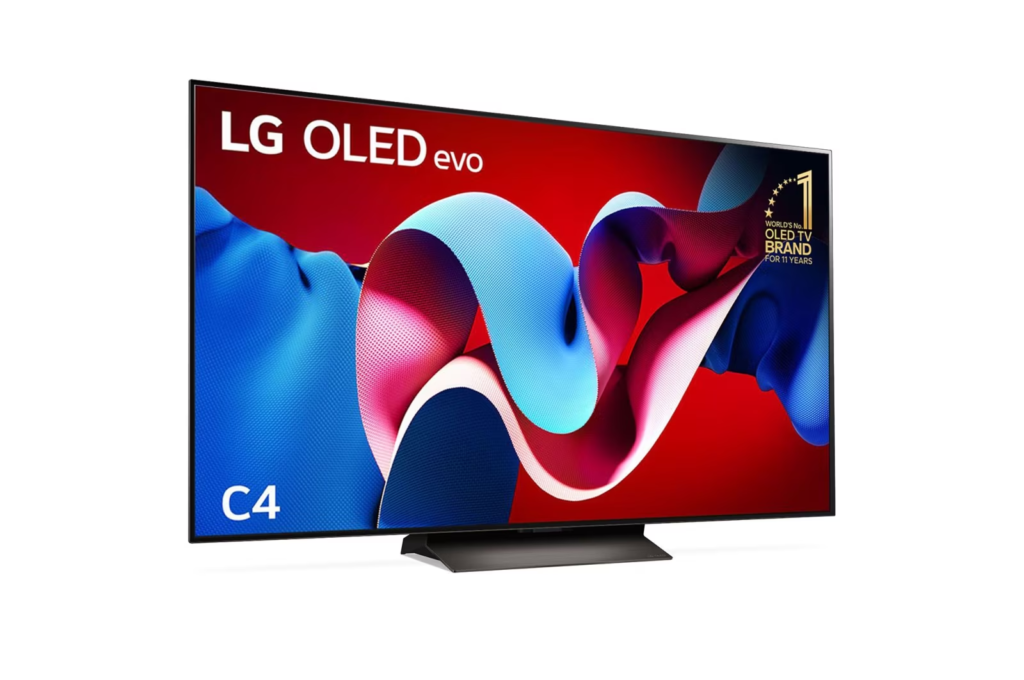
The CRT vs OLED retro gaming decision ultimately comes down to three things – authenticity, practicality, and budget.
Want to explore the full display comparison picture? Read our CRT vs LCD retro gaming guide for how modern LCD panels compare with some examples, and our complete guide to what makes a CRT unique for the full technical picture.
